Manufacturing & intralogistics
Real-time location for manufacturing: find work in progress without searching
Noccela tracks pallets, carriers, tools and forklifts with accuracy up to 10 cm, and turns their positions into work orders, andon calls and flow data for your MES, ERP or WMS.
Where time goes on a factory floor
Three problems we hear in almost every plant, from sawmills to assembly lines.
-
Time lost searching
Forklift drivers and operators look for the pallet, bundle or fixture that a work order asks for, especially after stock has been moved between shifts.
-
Work in progress nobody can see
Counts and locations of semi-finished goods live in spreadsheets or in people’s heads, so supply to machines comes late or too early and the floor fills up.
-
Paper and manual updates
Work orders, andon calls and stock moves are recorded by hand, if at all. Nobody can say how long a flow really takes or where it waits.
What you can do with precise location
Every capability runs on the same base stations (UWB anchors), tags and Location Intelligence Platform. Start with one and add the others on the same infrastructure.
Work-in-progress and tool tracking
Location-verified work orders
Digital andon
FIFO and dwell time
Forklift and AGV dispatch
Heatmaps and flow analytics
How much accuracy does each job need?
More accuracy means more base stations. Set the density per area to what each job needs, instead of paying for centimetres everywhere.
| Accuracy | Question it answers | Typical uses |
|---|---|---|
| A few metres (zone) | Is the pallet in the buffer or at the machine? | Stock counts per area, WIP buffers, dwell time |
| Sub-metre | Which bay, lane or forklift? | Floor storage slots, work-order guidance, forklift utilisation |
| Up to 10 cm Up to 10 cm with Noccela | Which fixture, which side of the line, which level of the stack? | Tools and fixtures at workstations, stacked items, crossing points |
Noccela covers all three classes with the same hardware. Read more in UWB accuracy and range explained.
How it works: material flow from goods-in to the cell
A typical flow in a plant with a main warehouse, an intermediate store and production cells.
-
Goods arrive
Incoming material gets a tag at the main warehouse, and the tag ID is linked to the item data in your ERP or MES.
-
Stored and called off
Stock is counted by area. When a work order calls for material, the driver sees where the right pallet is.
-
Delivered to the cell
The nearest free forklift or automated vehicle takes it to the production cell, and arrival is registered by location.
-
Processed and returned
Finished items go back to storage. Dwell times and routes feed FIFO, utilisation and layout decisions.
Products for manufacturing
Indoor base stations, tags for carriers and vehicles, and call and signal devices for the line.
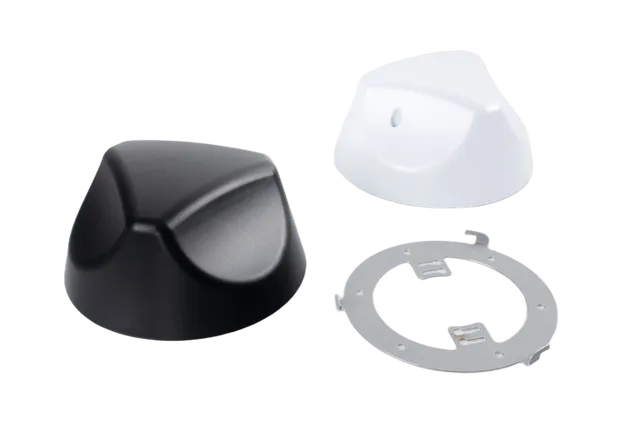
Beacon 3
Compact PoE base station for indoor sites, installed like a security camera.
Details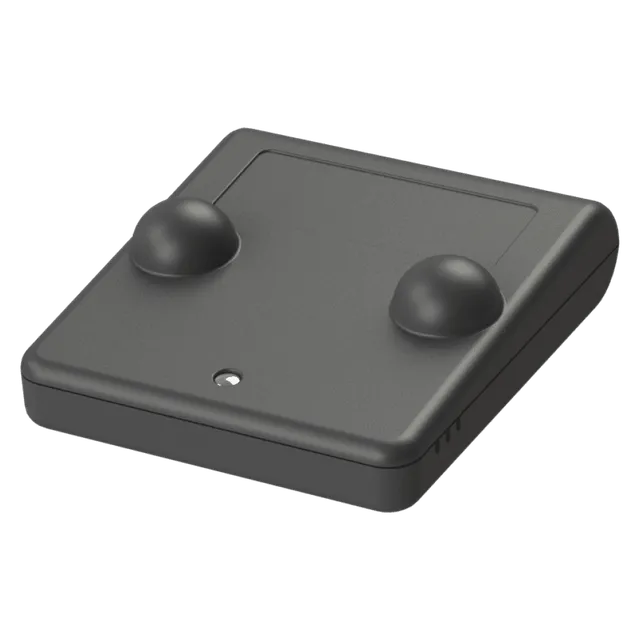
Smart Tag
Small asset tag for tools, carts, pallets and equipment.
Details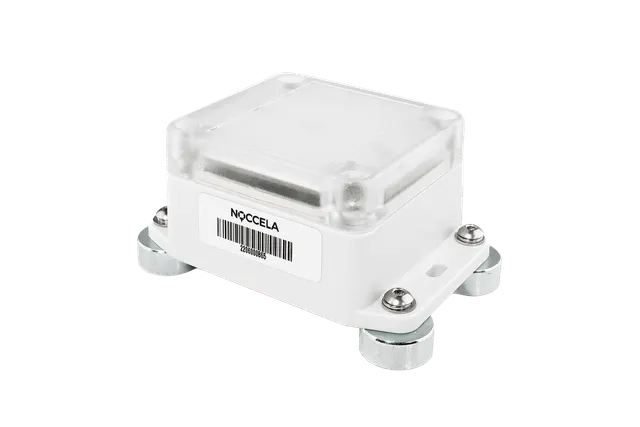
Industrial Tag
IP65 tag for vehicles, machines and harsh conditions.
Details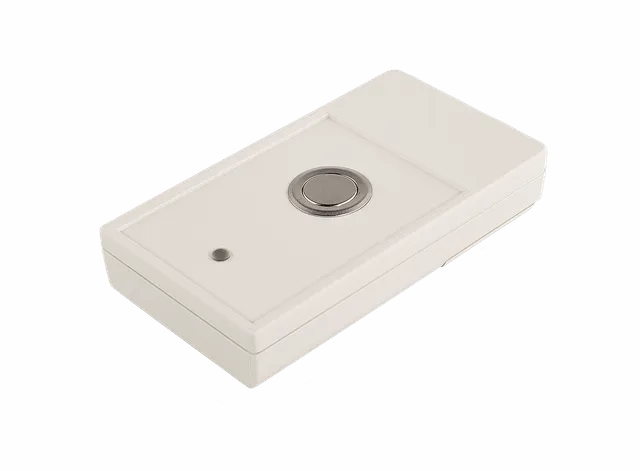
Andon Button
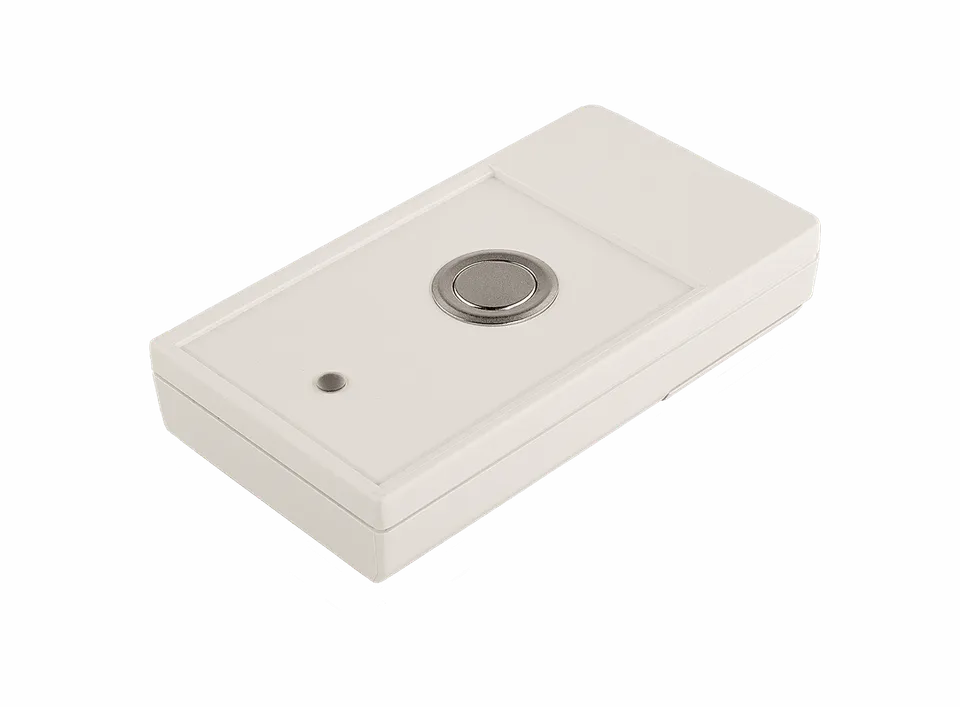
Wireless call button that sends its own location with every call.
Details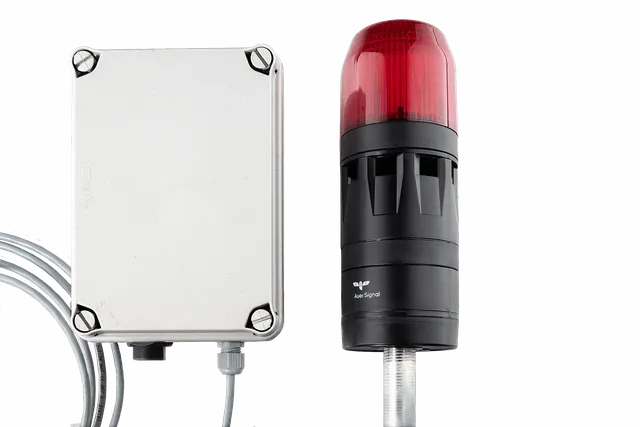
Signalling Flash
Location-triggered light and tone for zone warnings and andon status.
DetailsOn-premise server
Case study
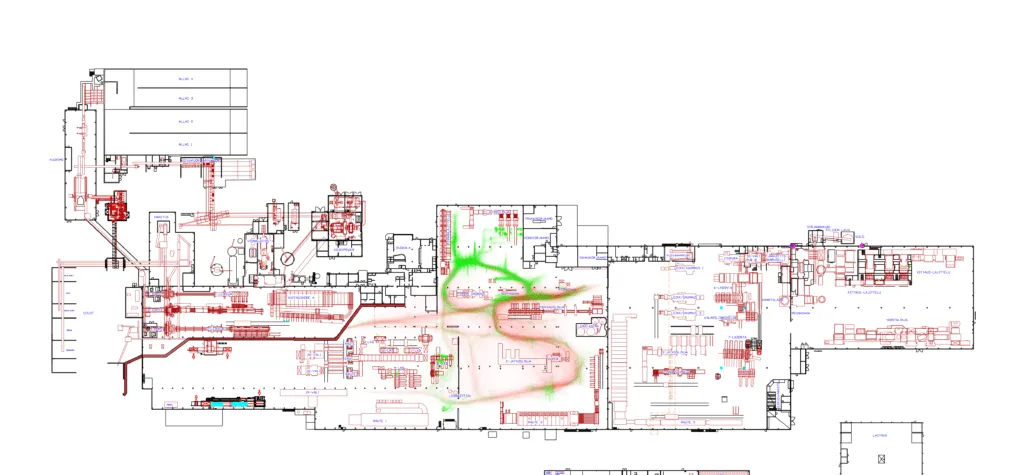
Koskisen: WIP visibility on a 25,000 m² floor
Koskisen, with DNA and Nortal, tracks wood-panel pallets and the forklifts that move them. Item data linked to each pallet's tag lets paperless work orders show where the right pallet is.
Koskisen · Wood processing
Work-in-progress visibility across a 25,000 m² wood-processing floor
Finland · With DNA, Nortal
- Floor area
- 25,000 m²
- Base stations
- 160
- Accuracy requirement
- 0.5–3 m
- Tracked
- Pallets and forklifts
Connect location to your MES, ERP and WMS
Positions and events are available through open APIs, so they can drive the systems you already run.
Real-time stream
Events and webhooks
HTTP API and SDK
Frequently asked questions
What accuracy does a factory need?
How many base stations do we need?
Does UWB work in metal-heavy production halls?
How is the system installed?
How do tags attach, and how long do the batteries last?
Can the data go into our MES, ERP or WMS?
Does it run in the cloud or on our premises?
Can we start small?
See how it would work on your floor
Send us a floor plan and tell us what you want to track. We will show you how it would work, and what it takes.