Products
Everything you need to locate people, vehicles and assets
A Noccela system has three parts: base stations (UWB anchors) that calibrate themselves, tags that run for years, and the Location Intelligence Platform, which turns positions into maps, alerts and data for your own systems. Run it in the cloud or on your premises.
- Positioning accuracy, up to
- 10 cm
- Coverage per base station, up to
- 500 m²
- Active tags at 1 Hz within radio range
- 1,000
- Configurable update rate
- 0.1–50 Hz
How the parts fit together
Tags send short ultra-wideband (UWB) radio pulses. Base stations measure them, the positioning engine computes each tag's position up to 50 times a second, and the platform turns positions into maps, KPIs and alerts. The APIs pass everything on to your own systems.
- Step 1 Tags Badges and asset tags send short UWB pulses
- Step 2 Base stations Measure the radio signals and calibrate themselves
- Step 3 Positioning engine Computes positions in the cloud or on your premises
- Step 4 Location Intelligence Platform Maps, dashboards, alerts and workflows
- Step 5 APIs Real-time stream, HTTP API and webhooks
- Step 6 Your systems WMS, MES, ERP, BI, safety and sports apps
Noccela designs the whole chain in Finland: the High-Performance Ranging (HPR) radio protocol, the hardware, the firmware and the software. One supplier is responsible for every link, from the tag to the API.
Hardware in three families
Every device is designed by Noccela. Open a product for its full specifications and certifications.
Base stations (UWB anchors)
Fixed reference points that measure the radio signals of the tags. Mounted on the ceiling or around a field, powered over Ethernet, and they calibrate themselves.
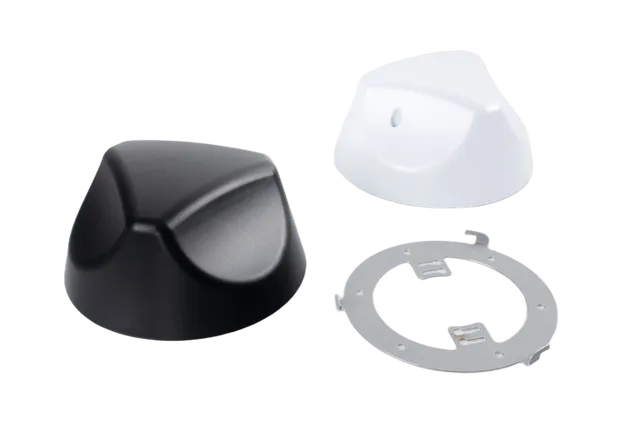
Beacon 3
Compact PoE base station for indoor sites, installed like a security camera.
Details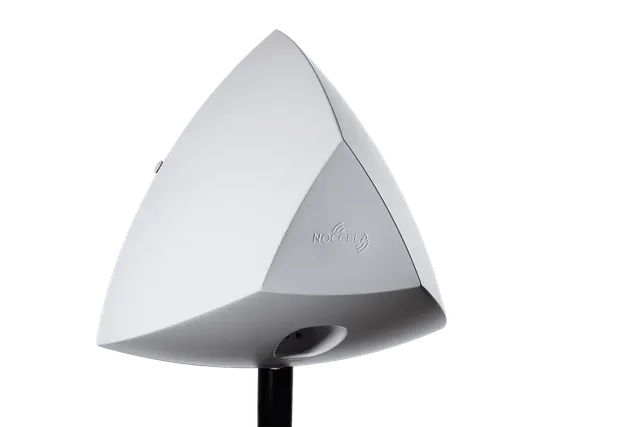
Sports Beacon
Rugged base station for sports fields, outdoor areas and harsh industrial sites.
Details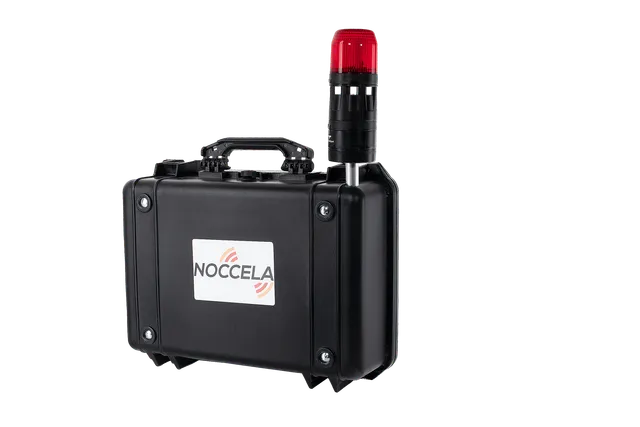
Mobile Anchor with Flash
A base station, signalling flash, battery and LTE router in one rugged case.
DetailsTags
Badges for people, tags for assets and vehicles, and a location-aware call button. Battery life is typically several years, depending on utilisation and update rate.
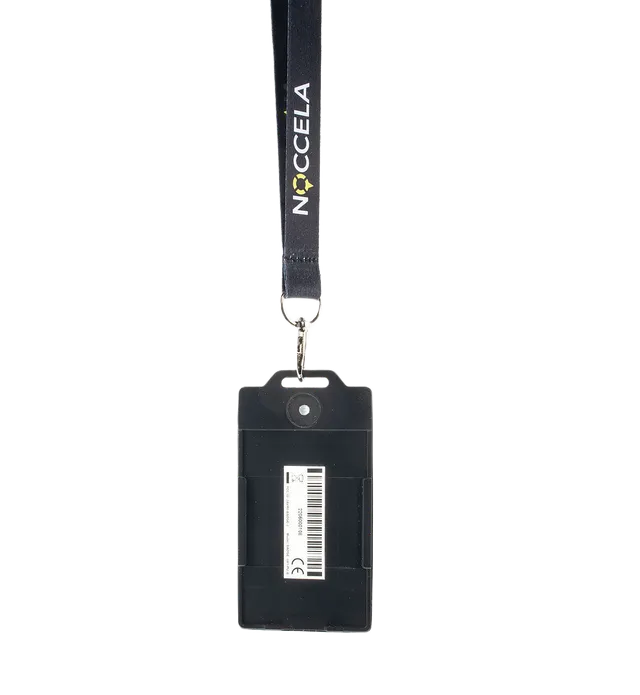
ID Badge
Wearable personnel badge with a call button, LED and buzzer.
Details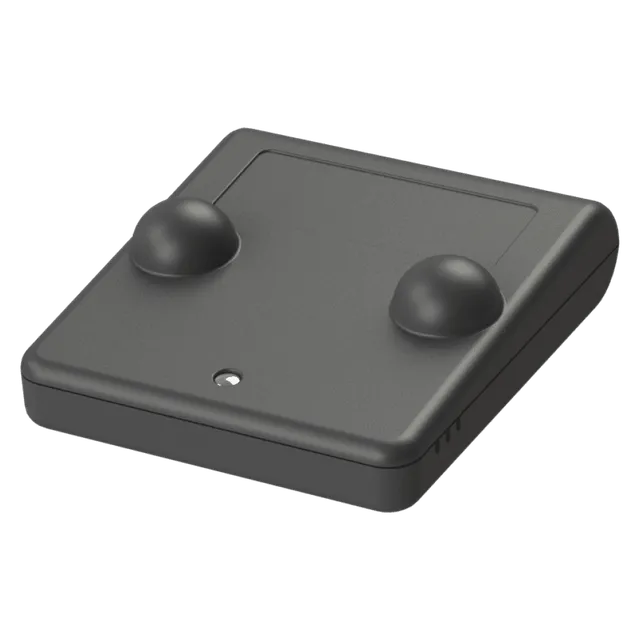
Smart Tag
Small asset tag for tools, carts, pallets and equipment.
Details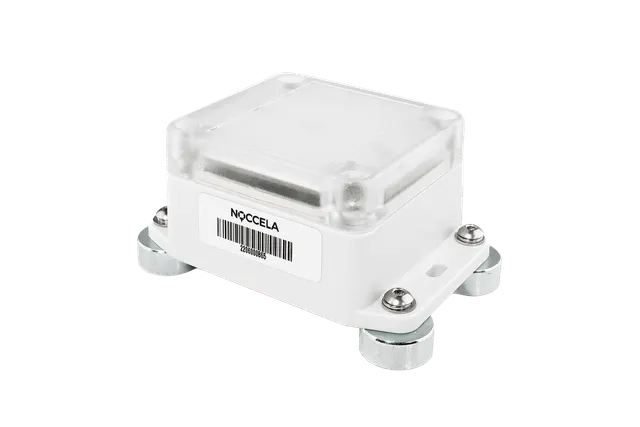
Industrial Tag
IP65 tag for vehicles, machines and harsh conditions.
Details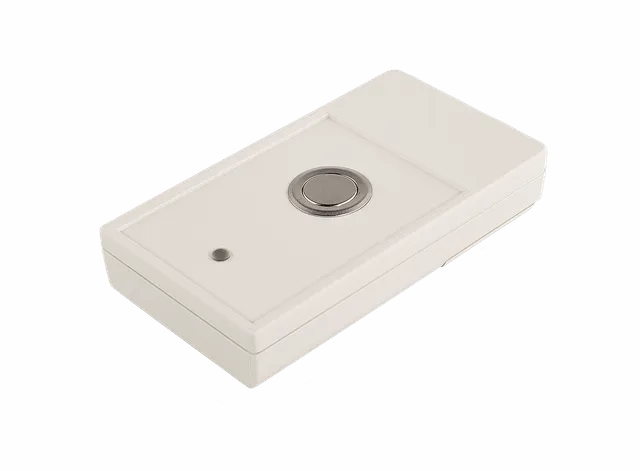
Andon Button
Wireless call button that sends its own location with every call.
DetailsAccessories
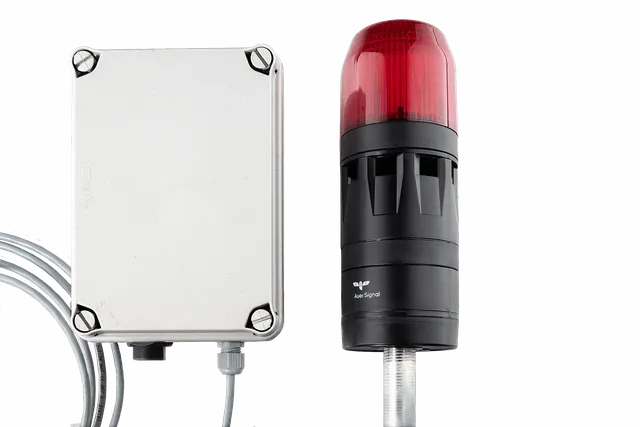
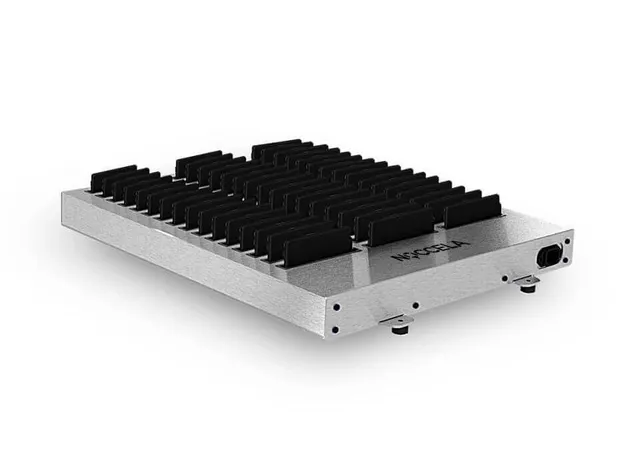
Light and sound triggered by location, a 48-slot badge charger, and a box that runs a base station from a power bank.
Software
Noccela Location Intelligence Platform
The platform is the user interface of the system. Plan the installation, watch people and assets move in real time, measure what happens on the floor, and let location trigger actions: a warning light, an alert or a message to another system.
The same platform serves a single production cell and a whole site. Partners can run it under their own brand.
-
Dashboard
KPIs, behavioural analytics and area metrics on widgets you choose.
-
Map view
Live positions and history, heatmaps and spaghetti diagrams on your floor plan.
-
Designer
Plan the base station layout and calibrate the system after installation.
-
Workflow Manager
Location triggers, alerts, signalling lights and webhooks.
-
Admin
Users, roles, access rights and your own branding.
-
APIs
Real-time stream, HTTP API and webhooks for your own systems.
Three ways to deploy
The base stations and tags are the same in every option. What changes is where positions are computed and how the devices get power and a connection.
Noccela cloud
On-premise server
Mobile Anchor kit
Which tag for which job
Start from the job, not the device. These are the combinations our customers use most.
| The job | Use | Why it fits |
|---|---|---|
| Warn people near forklifts and danger zones, count heads at muster points, call for help | ID Badge | Worn on a lanyard or clip. Buzzer and LED for warnings, a button for assistance calls, IP67 and rechargeable. |
| Find tools, carts, containers, pallets and work in progress | Smart Tag | Small and light, two AAA batteries, attaches with a pin, wire, magnet or tape, and sleeps while the asset is parked. |
| Follow forklifts, vehicles, machines and outdoor storage | Industrial Tag | IP65 housing and CR123A lithium cells for harsh conditions. Mounts with magnets, screws or tape. |
| Andon calls, assistance requests and evacuation activation | Andon Button | Sends its own location with every call, so you can move it to another workstation without reconfiguring anything. |
| Track players or horses on a pitch or track | Smart Tag + Sports Beacon | A small tag with a fast update rate, and base stations mounted around the field instead of above it. |
| Warn at a temporary work zone or test bench | ID Badge + Mobile Anchor with Flash | The case creates a zone around itself and flashes and sounds when a badge enters. No site network needed. |
| Show a warning light at a crossing when a vehicle approaches | Industrial Tag + Signalling Flash | The tag on the vehicle enters a zone; a Workflow Manager rule switches on the light and tone. |
Getting started
Most projects start small, prove the value on one area and then grow.
Start a pilot
Services
Estimate base stations
Datasheets
Questions buyers ask
What does a Noccela system consist of?
Cloud or on-premise: which should we choose?
How many base stations and tags will we need?
How do we get a price?
Can Noccela feed our WMS, MES or ERP?
Not sure which devices you need?
Send us a floor plan and tell us what you want to locate. A Noccela engineer will propose the devices and the layout, and send you a quote.